
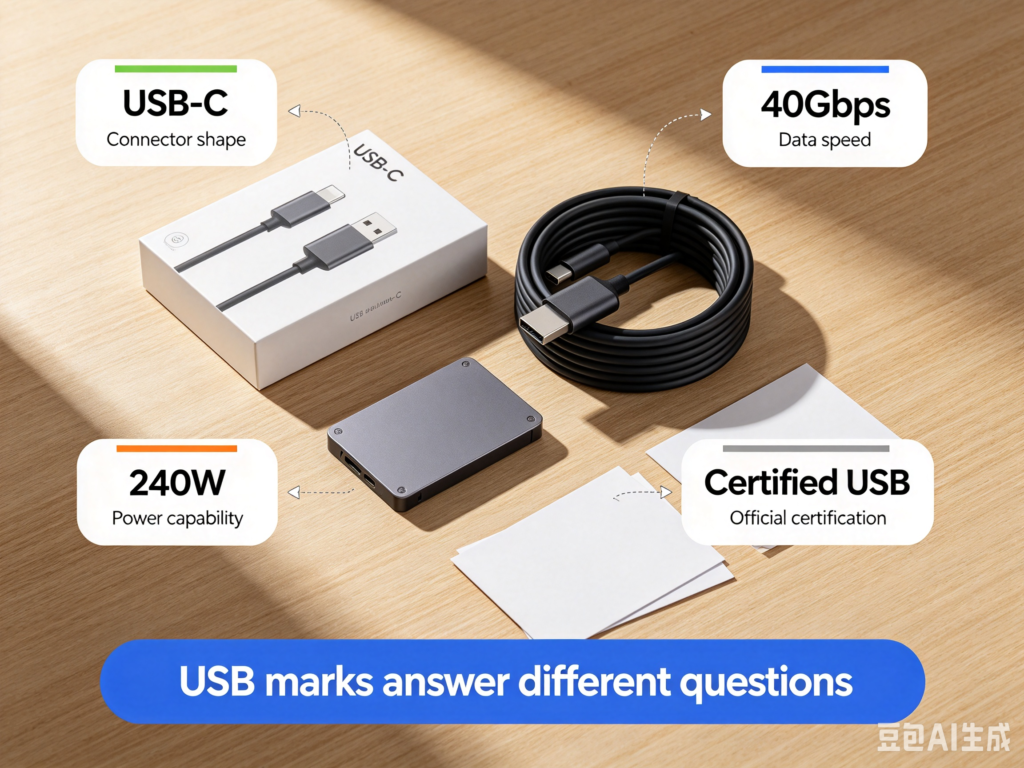
USB products carry many kinds of markings: USB-C, USB 10Gbps, Certified USB, 240W, charging symbols, and data symbols. They may all look like small labels, but they do different jobs.
This guide focuses on USB markings, especially Certified USB logos.
Start with one rule:
A USB mark is not decoration. It either tells you a product capability, or it is tied to certification and trademark rules.
Buyers should learn how to read these marks. Sellers and manufacturers need to be even more careful. A logo that looks familiar is not something you can redraw and place on a product.
Common USB Marks
| Mark type | What it usually tells you | What to watch |
|---|---|---|
| USB-C / USB Type-C | Connector shape | It does not promise speed, power, or video |
| USB 5Gbps / 10Gbps / 20Gbps | Data speed class | The whole chain must support it |
| 60W / 240W | Cable or charging power | It does not promise data speed |
| Certified USB logo | Product followed the USB-IF certification and logo-license path | It should match certification information |
| USB4 / USB 40Gbps / USB 80Gbps | High-bandwidth capability | Cable, port, and device still matter |
Do not turn all these labels into “this USB product is advanced.” They answer different questions.
What Does the Certified USB Logo Mean?
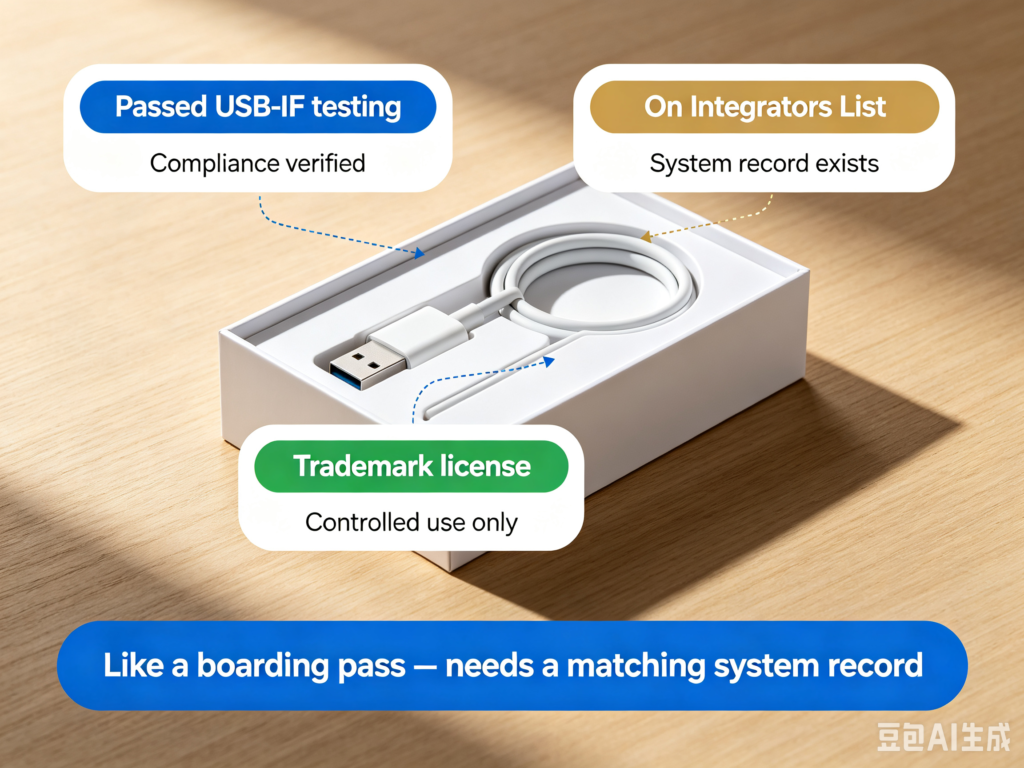
The important thing about the Certified USB logo is not its look. It is controlled use.
USB-IF states that USB-IF logos may be used only with products that have passed USB-IF compliance testing and are currently on the Integrators List. The company also needs the USB-IF Trademark License Agreement.
That gives the logo three useful meanings:
- The product is tied to USB-IF compliance testing.
- The product should match USB-IF certification or listing information.
- Logo use is controlled by trademark license and usage rules.
It is like a boarding pass. A paper that looks like a boarding pass is not enough. There needs to be a matching record in the system.
How Buyers Should Read the Logo
You do not need to memorize every design rule. Look for three things.
| What you see | How to read it |
|---|---|
| Certified USB plus a speed number | The product is certified for that data performance class |
| Certified USB plus charging or power information | The product is tied to the matching charging capability |
| USB-C cable-related logo | Read the connector, data, and/or power capability as marked |
The number on a logo only describes the capability it names. It does not describe everything.
For example, a cable marked 240W is about power capability. Its data speed still needs to be checked separately. If it does not clearly say USB 10Gbps, 20Gbps, or 40Gbps, do not assume fast file transfer.
Do Not Redraw USB Logos
This matters for websites, stores, and packaging.
Do not:
- Draw a logo that looks like a Certified USB mark.
- Change a USB-IF logo’s color, proportion, or structure.
- Copy a logo from another product.
- Use “Certified USB” to imply certification when the product has not passed.
- Use fake official-looking USB logos in blog illustrations.
If you are only writing an educational article, the safest route is to explain the concept in text and link to USB-IF’s official pages. If you need to show a real official logo, confirm the rights and usage guidelines first.
A Logo Does Not Replace the Specification
A logo helps, but it does not replace the full spec.
| What you want to know | What a logo may help with | What you still need |
|---|---|---|
| Data speed | Gbps number on the mark | Host, cable, and device support |
| Charging power | W number on the mark | Charger, device, and cable match |
| Monitor output | Some marks may suggest high bandwidth | Port support for the video mode |
| Certification | Certified USB logo and listing information | Model, TID, certification date, manufacturer details |
USB is like a band. A logo can tell you one player passed an exam. The whole song still depends on everyone playing together.
Which Product Pages Look More Trustworthy?
Trustworthy wording is usually specific, checkable, and tied to a model.
| Vague wording | Better wording |
|---|---|
| USB-C high speed | USB 10Gbps USB-C cable |
| Fast charging cable | 240W USB-C cable, data speed stated separately |
| Certified quality | Certified USB information with model or listing reference |
| Supports video | Supports DisplayPort Alt Mode, with resolution limits |
| USB 3.2 | USB 5Gbps / 10Gbps / 20Gbps stated clearly |
If a page has big claims but no clear speed, power, certification, or model information, do not buy from the picture alone.
Summary
Read USB marks separately. USB-C is connector shape. Gbps is data speed. W is power capability. Certified USB logos are tied to certification and trademark permission.
Buyers should still check model, speed, power, and the whole connection. Sellers, manufacturers, and content creators should remember that Certified USB logos are not casual design elements.
Read USB markings like medicine labels. Name, dose, use, and approval information should not be guessed.