
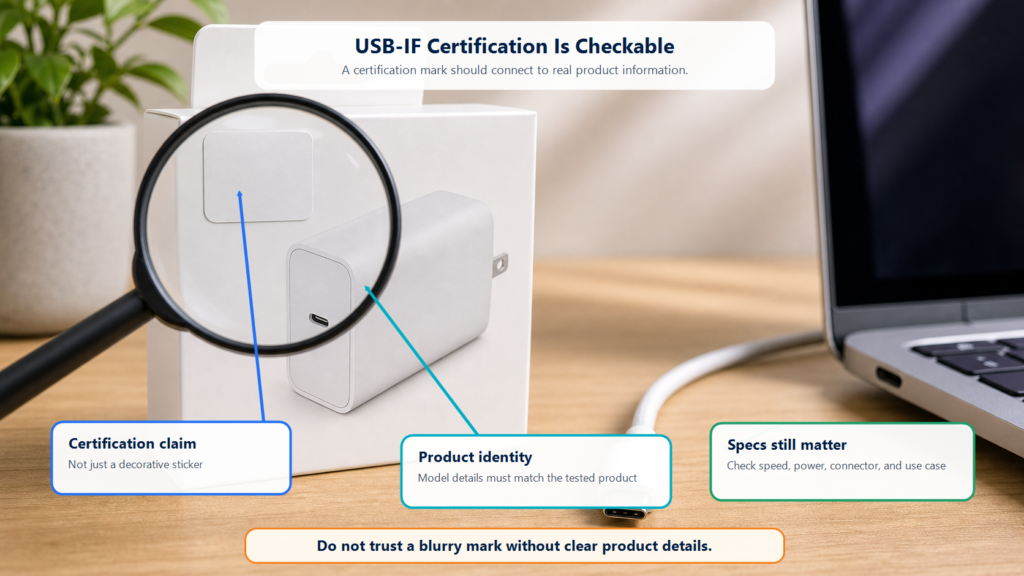
Many people see a Certified USB mark on a package and treat it like a normal sticker.
It carries a controlled meaning.
USB-IF certification is closer to a product health check under official USB rules. A product must be designed against the relevant USB requirements and pass compliance testing before it can be listed by USB-IF and use Certified USB marks under the trademark rules.
In one sentence:
USB-IF certification means the product has gone through a USB-IF compliance path, instead of only relying on the seller’s promise.
It does not guarantee a perfect experience with every device, cable, operating system, and setup. It does reduce the chance of “nice specs on the page, messy behavior in real life.”
Who Is USB-IF?
USB-IF stands for USB Implementers Forum. It is the organization behind USB technology adoption, specifications, compliance, and logo rules.
For normal users, the useful part is simple. USB-IF:
- Publishes and maintains USB specifications and guidance.
- Runs USB compliance programs.
- Maintains certified product and Integrators List information.
- Controls use of Certified USB logos.
Think of USB-IF as the keeper of the USB rulebook and exam system. Manufacturers build products. USB-IF provides the standards, test paths, and logo rules.
What Gets Tested?
Different USB products go through different checks. A charger, cable, laptop port, dock, and storage device are not tested in exactly the same way.
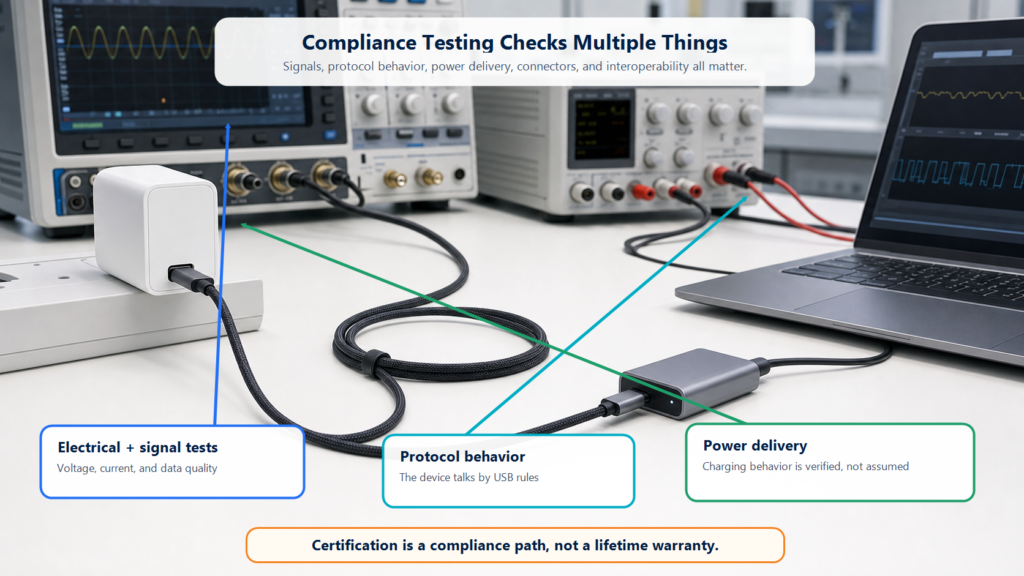
For beginners, the checks fall into these buckets:
| Test area | Plain-English meaning |
|---|---|
| Electrical and signal behavior | Data signals, voltage, and current follow the rules |
| Protocol behavior | Devices talk using the expected USB rules |
| Data speed | The claimed speed has matching capability |
| Power delivery | Charging and power follow USB PD or related requirements |
| Cable and connector quality | Plugs, ports, and cable assemblies meet the relevant requirements |
| Interoperability | The product works with other USB products as expected |
It is like a vehicle inspection. The inspector does not only look at the paint. Brakes, lights, structure, and other practical parts matter.
What Are TID and the Integrators List?
USB-IF compliance uses a Test ID, or TID. You can think of a TID as a test record number.
Products that pass the compliance process can be placed on the USB-IF Integrators List. The public USB-IF Product Search is limited to products certified to bear the USB-IF logo, and the page notes that member companies maintain the listing. It also defaults to products certified within the last two years.
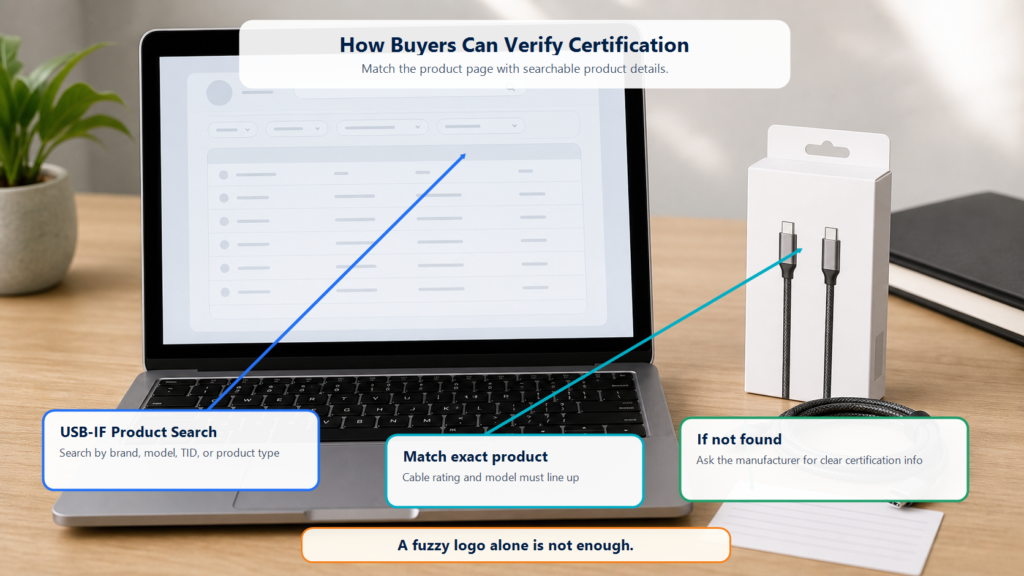
For buyers, this means:
- If you see a Certified USB mark, you can check USB-IF Product Search.
- If a product is not listed, that does not automatically prove it is fake, but you should ask the manufacturer.
- Older products may require changing the date filter.
- A blurry logo without a clear model number or specification is not enough.
Certified USB Logos Are Controlled Marks
USB-IF states that USB-IF logos may be used only with products that have passed USB-IF compliance testing and are currently on the Integrators List. The company also needs the required trademark license agreement.
That is why you should not draw your own “USB Certified” logo for packaging, a store page, or article artwork.
If you are a buyer, your job is to recognize the mark. If you are a seller or manufacturer, your job is to use it only when you have the right to use it.
What Certification Does Not Mean
USB-IF certification is useful, but it is not magic.
| Wrong idea | More accurate idea |
|---|---|
| Certified means full speed everywhere | Speed still depends on the computer, cable, device, and system |
| Certified means it can never fail | Certification is not a lifetime warranty |
| Non-certified means dangerous | Not always, but it lacks that official compliance confirmation |
| A logo means you can ignore specs | You still need speed, power, connector, and use-case details |
| Certification means cybersecurity testing | USB compliance certification is not a file or firmware security audit |
Certification is more like a passport plus inspection record than a shield. It shows a compliance path, but you still need to check your setup.
How Normal Buyers Can Use Certification
For low-risk devices such as a basic mouse or keyboard, certification may not be your only buying factor.
It matters more for:
- High-power USB-C chargers
- 100W or 240W USB-C cables
- USB4 or 40Gbps/80Gbps cables
- Docks and hubs
- External SSD enclosures
- Accessories used with expensive laptops, tablets, and displays
Use this order:
- Check whether the product page clearly states speed and power.
- Look for a Certified USB mark.
- Search USB-IF Product Search by brand, model, TID, or product type.
- If you cannot find it, ask the manufacturer for clear certification information.
- Do not trust only a fuzzy logo pasted into a product image.
A Short Note for Manufacturers and Sellers
If you want to use a Certified USB logo on a product, package, or website, do not redraw it or borrow one from another product.
The proper path is:
- Design the product to the relevant USB specification.
- Choose a USB-IF compliance route.
- Complete testing and review.
- Have the product placed on the relevant list.
- Sign and follow the USB-IF trademark license agreement.
- Use the official logo artwork according to the guidelines.
This is a compliance and trademark issue. “It looks close enough” is not a safe approach.
Summary
The value of USB-IF certification is that it gives a USB product a checkable compliance basis.
It means the product passed a USB-IF compliance path and can use Certified USB marks only under the right conditions. For buyers, certification is not the only thing to check, but it matters more for fast data, high-power charging, and docks.
The safest habit is simple: read the specification, check certification information, and make sure the whole connection supports what you need.